
Instagram thrives on visuals that spark quick reactions. Sharp, colorful, and consistent photos grab attention in the feed. While some people chase extra engagement with strategies like boosting Instagram likes, the real foundation of growth starts with creating content that looks professional. Photo editing apps make that job easier. They give creators access to tools that refine raw shots into posts that look intentional. With the right app, a casual photo can become a scroll-stopper. So, we’ve made a list of the best photo editing apps for your Instagram.
Adobe Lightroom
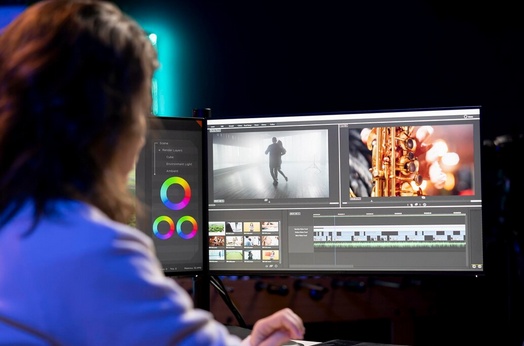 Lightroom stands out for its powerful editing features and precision. Creators can adjust exposure, color balance, and shadows with accuracy that makes a photo feel polished. It also allows for syncing edits across multiple images, which helps maintain consistency. Presets are a favorite feature. With one tap, users can apply the same mood across a whole set of photos. This makes it easier to create a cohesive feed without hours of manual editing.
VSCO
VSCO gained popularity for its film-like filters. The app makes it easy to give photos a nostalgic or artistic tone. Its clean interface keeps the editing process simple while offering more control than Instagram’s built-in filters. Beyond filters, VSCO offers strong adjustment tools for contrast, saturation, and grain. These options let creators fine-tune images to match their personal style. The result is a feed that feels consistent and recognizable.
Snapseed
Google’s Snapseed provides free editing without sacrificing quality. It includes tools like selective adjustments, which let users edit specific parts of a photo. This feature is perfect for fixing lighting issues without affecting the entire image. The app also comes with advanced tools such as healing and perspective correction. These functions allow creators to remove distractions or straighten lines, making photos look more professional. For a no-cost app, Snapseed packs serious power.
Canva
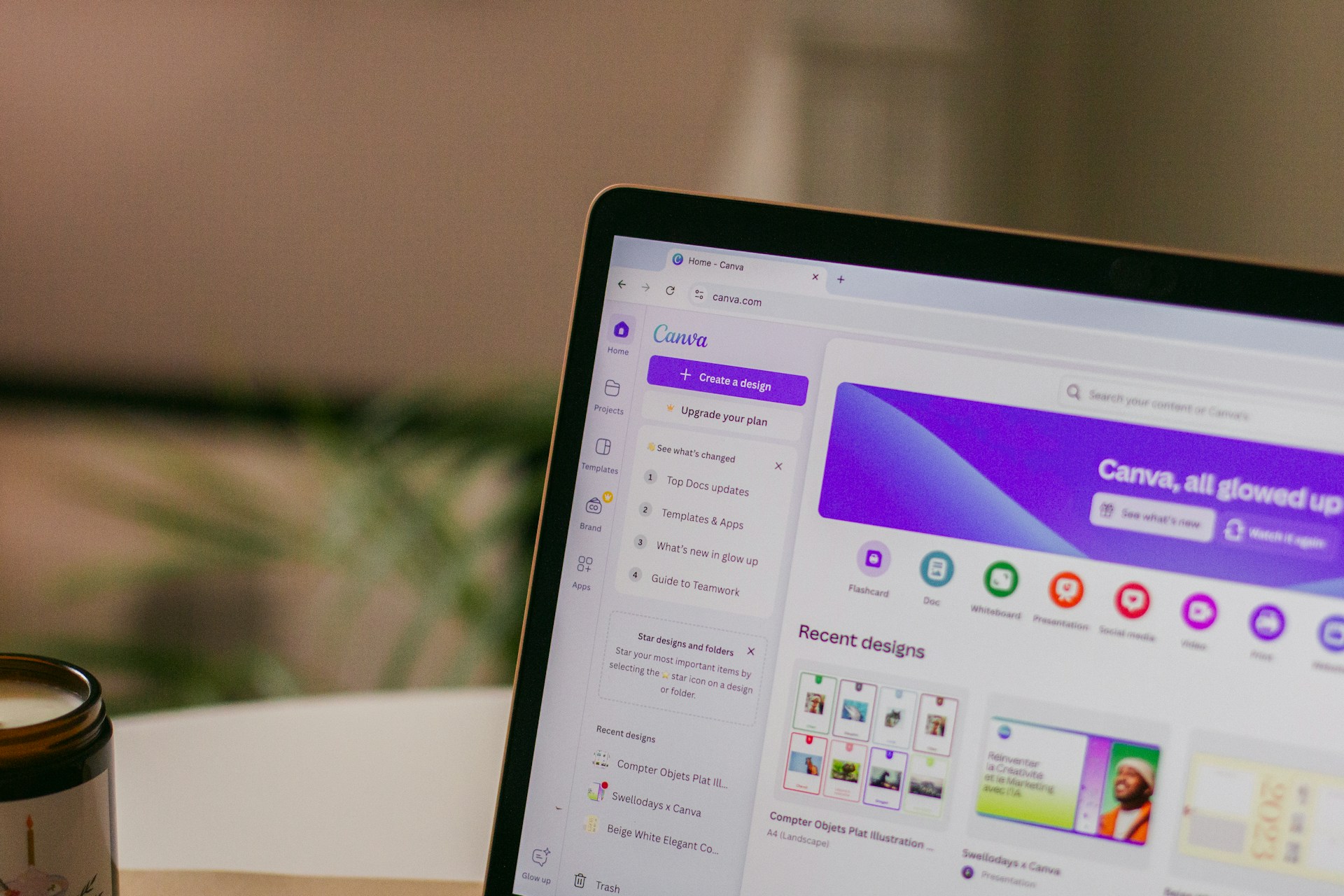
While Canva is best known for graphic design, its photo editing tools are surprisingly strong. Creators can crop, add filters, and adjust settings directly in the app. It’s especially helpful for those who combine photography with text or design elements. The template library makes Canva valuable for Instagram stories and posts. Adding overlays, captions, or branded graphics is simple. For content creators who juggle multiple formats, Canva works as an all-in-one option.
Facetune
Facetune often gets labeled as a selfie app, but its uses go beyond skin smoothing. It helps creators retouch portraits quickly, from whitening teeth to adjusting lighting on faces. Small tweaks here and there can elevate portraits without looking overdone. It also allows background edits and reshaping tools for subtle adjustments. Used wisely, it can help polish photos while still keeping them natural. The trick is moderation—too much editing risks turning photos into something unrelatable.
Editing apps give creators more control over how their content appears. Lightroom, VSCO, Snapseed, Facetune, and Canva each offer different strengths, from precision color correction to quick filters. Picking the right tool depends on your style and workflow. On Instagram, polished visuals naturally draw attention. Instead of relying only on engagement tricks, strong editing helps build credibility and consistency. In a feed crowded with endless photos, crisp edits can make all the difference.…







 Even though it was used to provide Android
  YAAM, or Another Android Market, isn’t unreasonably energizing or unimaginably one of a kind. The program (which you may download in the QRcode into the suitable) gives three classes: Programs, Games, and Updates. Projects and Games partition into two or three diverse channel gatherings, which further divisions into “Free” and”Paid” programs. You could be able to find a few deals, nonetheless. Examine YAAM out of your program right now.